Upload PDF
Choose a PDF and inspect document information locally in your browser.
PDF Metadata Remover
Remove metadata from PDF files locally, create a clean PDF copy, and verify supported metadata removal before sharing.
Choose a PDF and review supported properties such as author, creator, producer, title, subject, creation date, modification date, and XMP metadata.
orWorkspace
Inspect PDF properties, choose which supported categories to clean, create a clean copy, and review any needs-attention signals.
These settings apply when you clean a file. Essentials is the safest default.
Apply cleanup or export reports for all files currently in the workspace.
Upload files to enable batch cleaning and reports.
How it works
Choose a PDF and inspect document information locally in your browser.
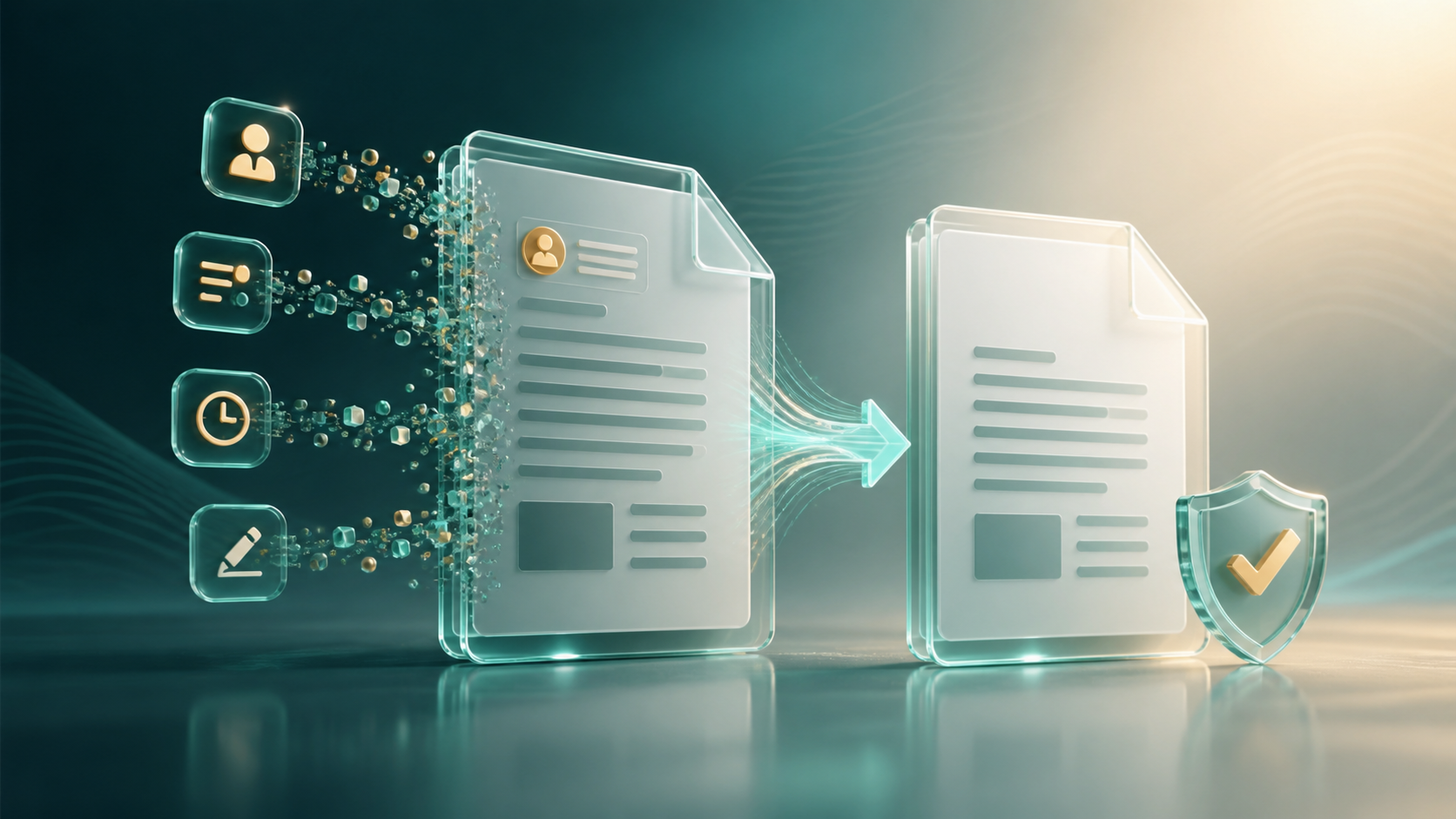
Clean supported fields such as author, creator, producer, title, subject, and timestamps.
Download the clean PDF and a report showing removed metadata plus any review signals.
PDF cleanup focus
We clean supported PDF document properties while clearly separating signature and interactive-content concerns.
We handle Creator, Producer, Author, Title, Subject, Creation date, Modification date, and XMP-style metadata where supported.
Digitally signed PDFs are refused by default because modifying a signed file can invalidate its signature.
We report interactive or embedded PDF features with review guidance instead of hiding them from the result.
PDF privacy
We process PDF bytes locally in the browser. You do not need to upload the file for supported metadata cleanup.
Verified clean copy
We inspect the clean PDF again so you can see removed properties and remaining review signals.
Metadata guides
Read our practical guides about photo metadata, GPS data, PDF properties, and document author details, then use the matching browser-only tool when you are ready.
Photo metadata
Understand what photo metadata is, what EXIF/GPS/XMP/IPTC can reveal, and when to inspect images before sharing.
Read the photo metadata guide →Image privacy
Learn how to check for GPS/location metadata, remove supported location data locally, and verify the clean copy.
Learn GPS cleanup →PDF metadata
See which PDF properties can be cleaned, why signed PDFs need care, and how to verify a clean PDF copy.
Read the PDF guide →Document metadata
Learn what Word author metadata can reveal and how to clean supported DOCX properties before sharing.
Read the Word guide →Frequently asked questions
Focused on PDF document properties, clean copies, signatures, and review signals.
Supported fields include Creator, Producer, Author, Title, Subject, Creation date, Modification date, and XMP-style metadata where detected.
Yes. We work as an online PDF metadata remover in your browser: you choose a PDF, clean supported metadata from the PDF locally, and download a separate clean copy.
Yes. Selected PDFs stay in this browser while we remove supported PDF metadata and verify the result.
No. We remove supported PDF document metadata only. Visible names, emails, addresses, images, comments on the page, and redaction work need separate manual review.
Yes, where detected and safely supported. We include XMP-style PDF metadata in the cleanup and then verify the clean copy.
Password-protected or encrypted PDFs may need to be unlocked before browser cleanup can inspect and rewrite supported metadata safely.
Cleaning a digitally signed PDF can invalidate the signature, so we refuse signed PDFs by default.
It means we found signals that may point to interactive or embedded features such as forms, annotations, scripts, or attachments. Review the clean copy before sharing sensitive files.
Yes. Add multiple supported PDFs to the workspace, clean eligible files, and download clean copies or combined audit reports.
No. We create a separate clean PDF copy for download.